 وفّر 11%
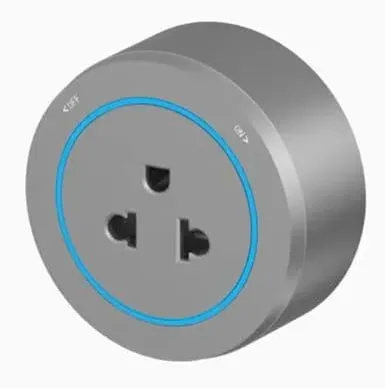
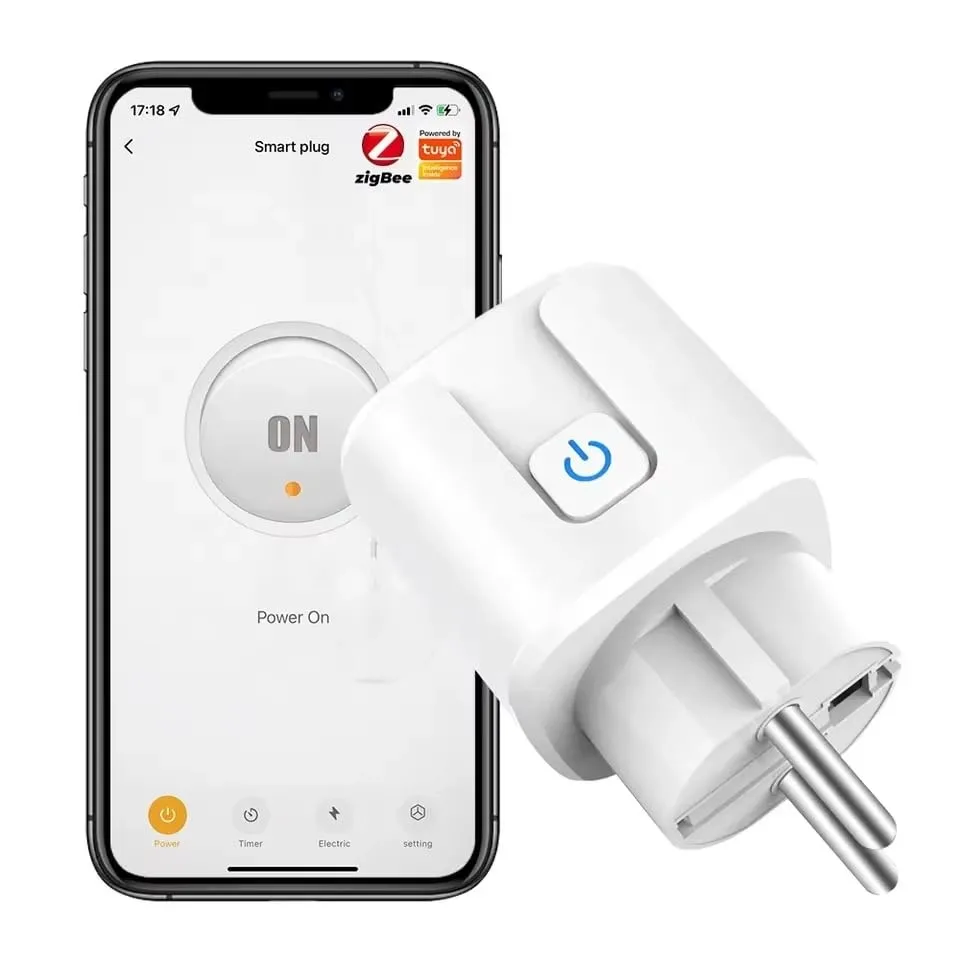
بريزة ذكية Tuya Zigbee 16 أمبير مع قياس الاستهلاك
800 ج.متفاصيل المنتج
الوصف متاح حاليًا باللغة الإنجليزية.
Short Description (Bullet Points for Bullet Section)
- [Smart ZigBee Gateway Required]: Seamlessly connects to your Tuya or Smart Life ZigBee hub (not included). Enjoy a more stable, responsive smart home network that doesn’t overload your home Wi-Fi router.
- [Remote Control & Voice Commands]: Turn appliances on or off from anywhere using your smartphone. Fully compatible with Amazon Alexa and Google Assistant for hands-free voice control.
- [Real-Time Power Monitoring]: Track your daily, weekly, and monthly energy consumption through the app. Identify heavy power users to reduce your electricity bills efficiently.
- [Smart Schedules & Timers]: Program your coffee maker, lights, or humidifiers to turn on/off automatically. Set custom countdown timers to prevent overcharging smartphones and laptops.
- [Safe, Durable, & Flame-Retardant]: Built with high-quality PC flame-retardant material and multiple safety protections (overload protection, child lock safety shutters). Supports up to 16A high-power appliances.
Product Control Methods
- Smartphone App Control: Manage everything through the Tuya Smart or Smart Life app via your phone or tablet.
- Voice Control: Issue voice commands using Amazon Alexa, Google Home, or Siri Shortcuts (via Tuya).
- Manual Physical Button: Features a tactile physical button on the front face for quick, screen-free manual operation.
- Automated Scenes: Link it with other ZigBee sensors (e.g., automatically turn on a heater when a ZigBee temperature sensor drops below 20°C).
Installation & Pairing Tips
- Step 1: Plug the Smart Socket into a wall outlet.
- Step 2: Ensure your Tuya/Smart Life ZigBee Hub is already configured and online in your app.
- Step 3: Press and hold the power button on the plug for about 5–7 seconds until the LED light flashes rapidly (Pairing Mode).
- Step 4: Open your app, go to your ZigBee Gateway page, tap "Add sub-device", and the app will automatically detect and pair the smart plug in seconds.
The Most Common Q&A
Q1: Can I use this smart plug without a ZigBee hub? A: No, this is a ZigBee-protocol device. It requires a compatible ZigBee hub (like the Tuya Wireless Gateway) to connect to your app and network. It will not connect directly to standard home Wi-Fi.
Q2: What happens to the plug if the internet or Wi-Fi goes down? A: Because it runs on ZigBee local networking, your pre-set local schedules and automations will still function normally even if your home internet is temporarily disconnected.
Q3: Can I plug high-power appliances like air conditioners or water heaters into it? A: This plug supports a maximum current of 16A (please verify your local voltage rating, e.g., ~3500W maximum capacity). It is ideal for electronics, kitchen appliances, and lamps. For heavy-duty industrial appliances, please check the appliance wattage rating first.
- Q4: How do I reset the smart plug if it disconnects? A: Unplug the device for 10 seconds, plug it back in, then press and hold the power button until the indicator light starts flashing rapidly. This resets the device and puts it back into pairing mode.